Illuminating Tradition: A Complete Guide to Folk Art Lantern Paper Cut Files
In the intersection of ancient tradition and modern technology lies a vibrant art form that continues to captivate creators worldwide. Folk art lantern paper cut files represent more than just digital assets; they are the bridge between centuries-old cultural heritage and contemporary digital fabrication. Whether you are a seasoned crafter, an educator looking for cultural projects, or a small business owner seeking unique decor, understanding these digital designs is essential for unlocking their full potential.
Paper cutting, or jianzhi, has roots stretching back over a thousand years, traditionally used to decorate windows, doors, and lanterns during festivals. Today, this intricate craft has been digitized. Instead of spending hours mastering scissor techniques, makers can now utilize precision-cut files to create stunning, complex lanterns in minutes. However, navigating the technical aspects of these files can be daunting for beginners. This guide explores the significance of folk art lanterns, how digital files transform the creative process, and exactly what you need to know about the formats included in your download.
The Cultural Significance of Folk Art Lanterns
To truly appreciate folk art lantern paper cut files, one must first understand the medium they emulate. Traditional paper lanterns are not merely decorative objects; they are vessels of storytelling, symbolism, and community identity. In many cultures, specific patterns carry distinct meanings. A bat might symbolize good fortune due to linguistic puns, while peonies represent wealth and honor. Fish often denote abundance, and lotus flowers signify purity.
When you download a digital paper cut file, you are acquiring a piece of this cultural lexicon. These designs preserve motifs that might otherwise be lost to time, translating them into a format compatible with laser cutters, Cricut machines, and Silhouette plotters. This preservation is vital. It allows new generations to engage with traditional aesthetics without requiring decades of apprenticeship. For educators, these files serve as excellent teaching tools, allowing students to explore geometry, symmetry, and cultural history through hands-on creation.
Bridging Heritage and Modern Technology
One common misunderstanding is that using digital files diminishes the "authenticity" of folk art. On the contrary, digital fabrication democratizes access to these complex designs. Hand-cutting a multi-layered spherical lantern requires immense skill and patience. Digital files allow enthusiasts to focus on assembly, lighting, and presentation, making the art form accessible to those with limited dexterity or time constraints.
Furthermore, digital files enable customization that traditional methods cannot easily achieve. You can resize a lantern to fit a specific venue, adjust line weights for different paper thicknesses, or even combine elements from different regional styles. This flexibility ensures that folk art remains a living, evolving practice rather than a static museum artifact.
Understanding Your Digital Toolkit: What You Get
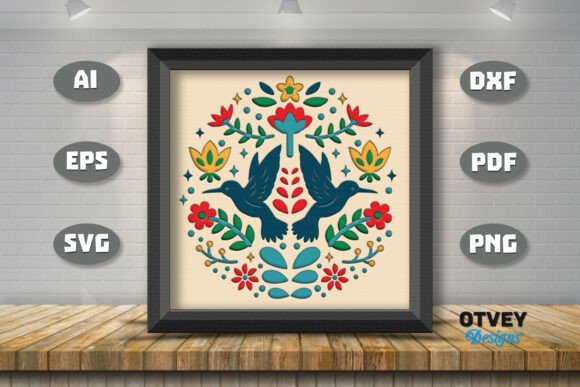
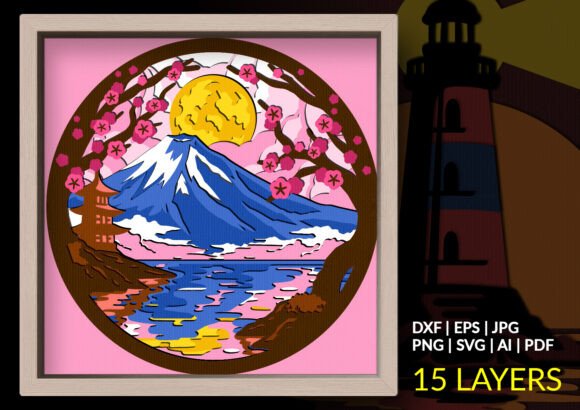
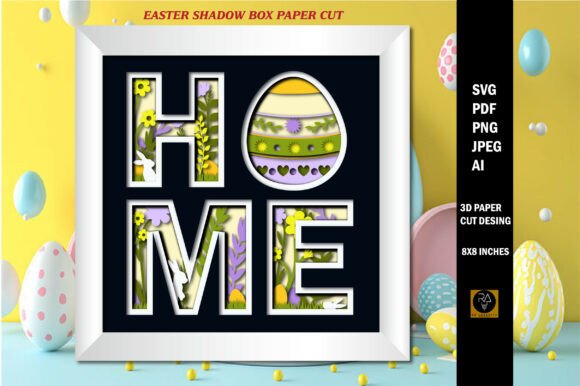
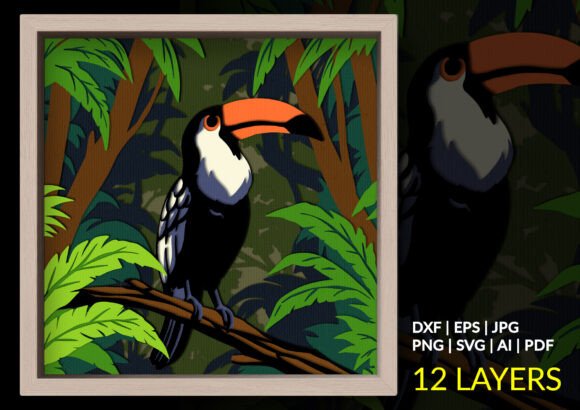
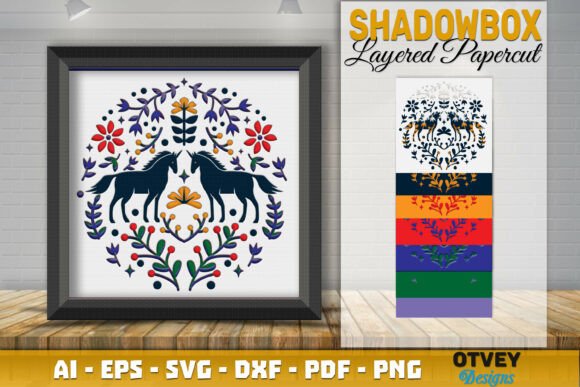
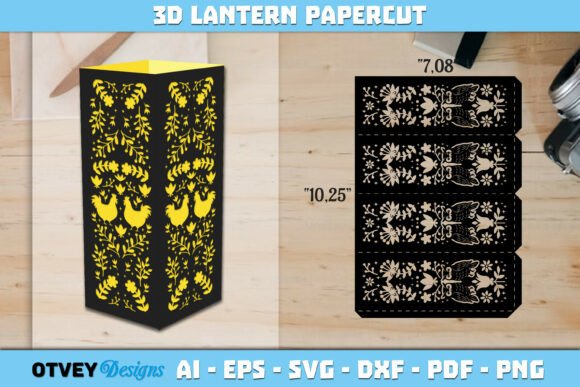
When you purchase a high-quality folk art lantern paper cut design, you are not just buying a single image. You are investing in a versatile toolkit designed to work across various platforms and machines. Compatibility is king in the digital crafting world. Below is a detailed breakdown of the formats typically included in your downloaded ZIP file and why each matters.
- SVG File: The Scalable Vector Graphic is the gold standard for most hobbyist cutting machines like Cricut and Silhouette. Because it is vector-based, it scales infinitely without losing quality. It contains layer information, allowing your machine to distinguish between cut lines, score lines, and engraving paths.
- DXF File: Drawing Exchange Format is essential for users of older Silhouette models or free software like Inkscape. Unlike SVGs, DXFs sometimes lack native layer data upon import, but they remain universally compatible with almost all CAD and cutting software.
- EPS File: Encapsulated PostScript is the professional designer’s choice. If you plan to modify the lantern design in Adobe Illustrator or CorelDRAW before cutting, EPS provides the highest fidelity and editability. It is also preferred for commercial printing applications.
- AI File: The native Adobe Illustrator source file offers maximum control. Experienced designers use this to alter individual anchor points, adjust stroke widths, or merge elements. It preserves the original construction logic of the design.
- PDF File: While primarily known for documents, PDFs retain vector data. They are invaluable for manual cutting (printing at 100% scale as a template) or for viewing the design assembly instructions clearly. Some advanced laser software also imports PDFs directly.
- PNG File: A raster image with a transparent background. You cannot cut directly from a PNG, but it is crucial for mockups, web listings, sublimation transfers, or digital scrapbooking. It allows you to visualize the final product before committing material.
- JPG File: A standard compressed image format. Useful for quick reference, social media sharing, or cataloging your digital library. Like the PNG, it serves as a visual guide rather than a production file.
Practical Applications in Modern Life and Business
The versatility of these seven formats extends far beyond personal hobbies. Understanding how to leverage them can open doors in education, event planning, and small business ventures.
For Educators and Community Centers
Folk art lanterns are exceptional STEM and STEAM projects. They teach radial symmetry, structural engineering, and cultural appreciation simultaneously. With PDF templates for hand-cutting and SVG files for machine-assisted workshops, educators can adapt lessons for varying age groups and resource levels. The ability to print instructions via PDF and cut components via SVG makes lesson planning seamless.
For Event Planners and Decorators
Custom lighting is a cornerstone of memorable events. Folk art lanterns cast intricate shadows that transform venues instantly. Using AI or EPS files, decorators can scale designs to create massive installations or resize them for intimate table centerpieces. The precision of digital cutting ensures uniformity across dozens of units, something nearly impossible to achieve by hand under tight deadlines.
For Small Business Owners
If you sell physical crafts, efficiency dictates profitability. Having access to DXF and SVG files means you can optimize material usage and reduce waste. The PNG and JPG files included in your download are marketing-ready assets for Etsy listings or Instagram posts. Moreover, owning the AI/EPS source files allows you to create derivative products—perhaps adapting a lantern pattern into a greeting card or wall art—maximizing the return on your initial investment.
Navigating Technical Challenges and Best Practices
While digital files simplify creation, they introduce new variables. Paper weight, blade sharpness, and machine calibration all affect the outcome. A design that cuts beautifully on 65lb cardstock may tear on 100lb cover stock. Always test cut a small section before committing to a full project.
Another consideration is licensing. Always verify the usage rights associated with your download. Most personal-use licenses prohibit selling finished products commercially. If you intend to sell lanterns, ensure you have purchased a commercial license. Respecting intellectual property supports the artists who keep these traditions alive digitally.
Finally, do not hesitate to seek support. Digital files are technical products, and software updates can occasionally cause compatibility hiccups. Reputable sellers want you to succeed. If a file won’t open or layers appear missing, ask for assistance immediately. Customer service is part of the product value.
Embracing Creativity Without Hesitation
The world of folk art lantern paper cut files is expansive and welcoming. Whether you are preserving cultural heritage, building a business, or simply seeking a meditative creative outlet, these digital assets provide the foundation for beautiful expression. The inclusion of AI, PDF, EPS, JPG, PNG, SVG, and DXF formats ensures that no matter your skill level or equipment, you have the tools necessary to bring light to these timeless designs.
Creativity thrives when barriers are removed. With comprehensive file formats and accessible designs, the only limit is your imagination. Come on, don't hesitate to buy our products and start your journey today. Please ask if there is something you don't understand; we are here to help you illuminate your world with folk art. Thank you for supporting digital craftsmanship and keeping tradition glowing brightly in the modern age.